Skip to content
View in the app

A better way to browse. Learn more.

RoleplayProject

A full-screen app on your home screen with push notifications, badges and more.

To install this app on iOS and iPadOS
  1. Tap the Share icon in Safari
  2. Scroll the menu and tap Add to Home Screen.
  3. Tap Add in the top-right corner.
To install this app on Android
  1. Tap the 3-dot menu (โ‹ฎ) in the top-right corner of the browser.
  2. Tap Add to Home screen or Install app.
  3. Confirm by tapping Install.

Dalle

Members
  • Joined

  • Last visited

  1. Dalle replied to Userone's topic in Introductions
    Welcome!
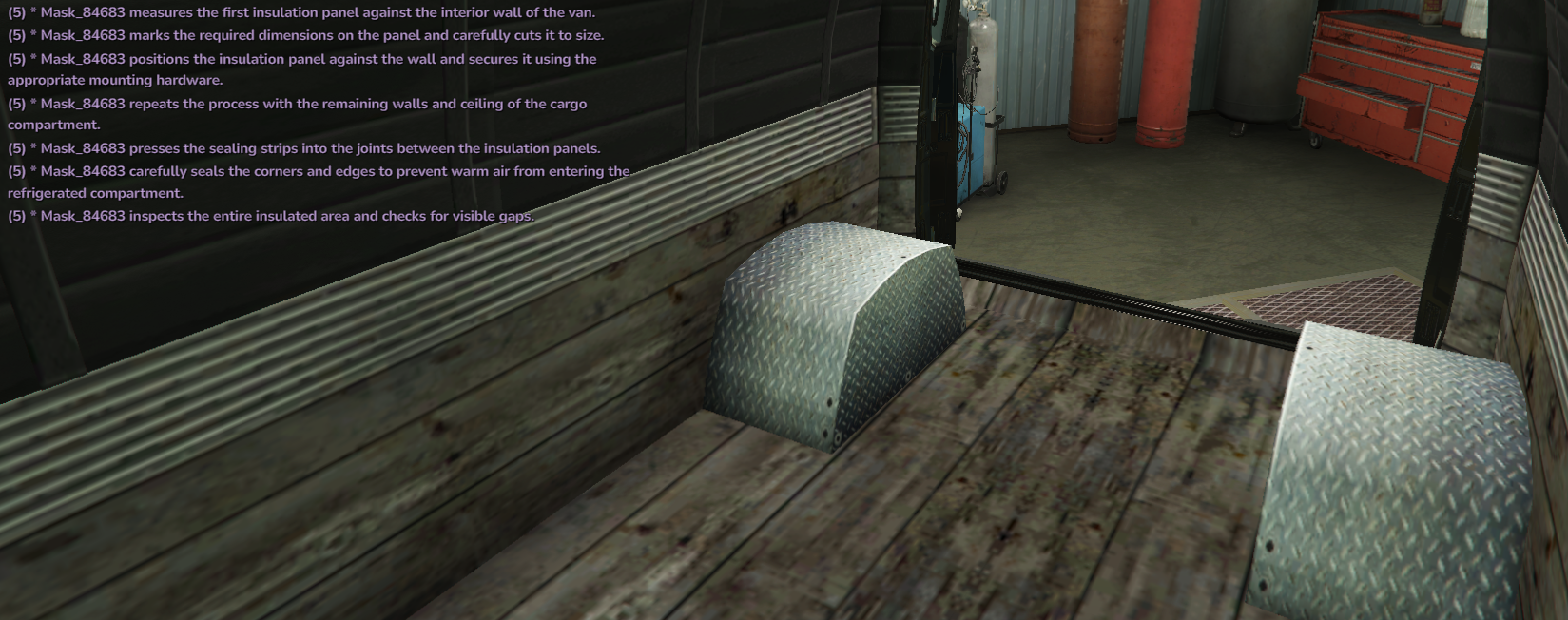
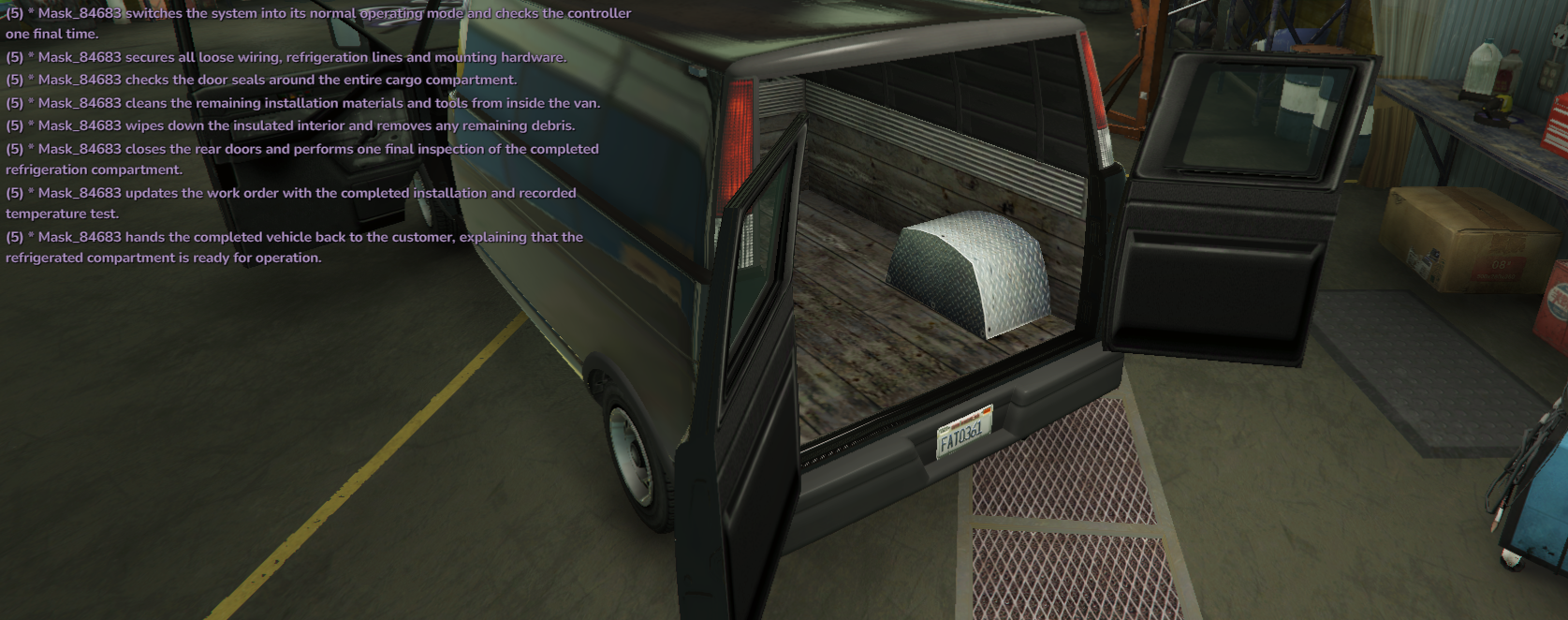
  2. Six weeks for a couch, two days for a freezer.
  3. This sounds really interesting! Can't wait to interact with you guys! Maybe I could need some modifications of my own ๐Ÿค”๐Ÿ‘Œ
  4. Can't wait to see this in action!
  5. Dalle posted a topic in Introductions
    Heyo! Happy to be here! I like the server really much so far! I'm 31 (DAMN) from Denmark. Been roleplaying since SAMP days. On/off on GTA V. I know a few people here from various servers. Can't wait to see this grow, it seems there is a solid foundation with many resources.
  6. Fire! ๐Ÿ”ฅ
  7. +1
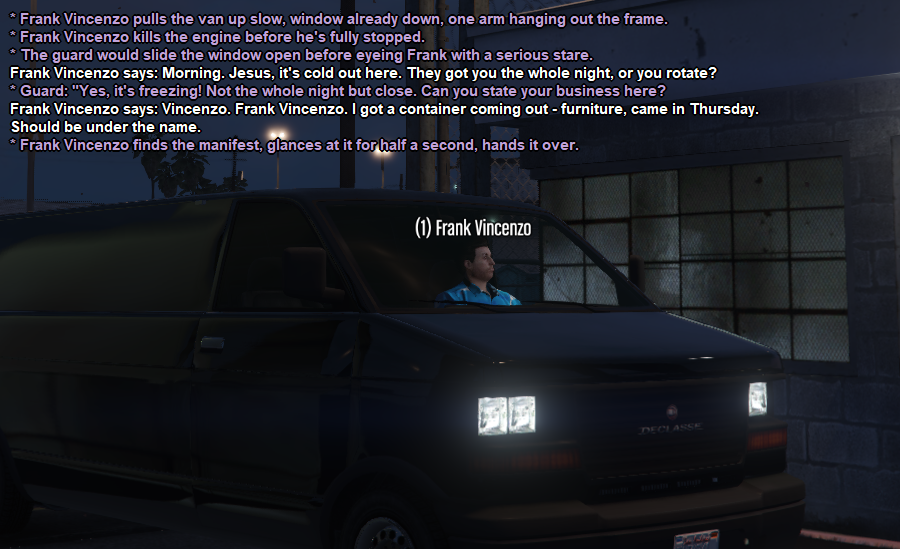
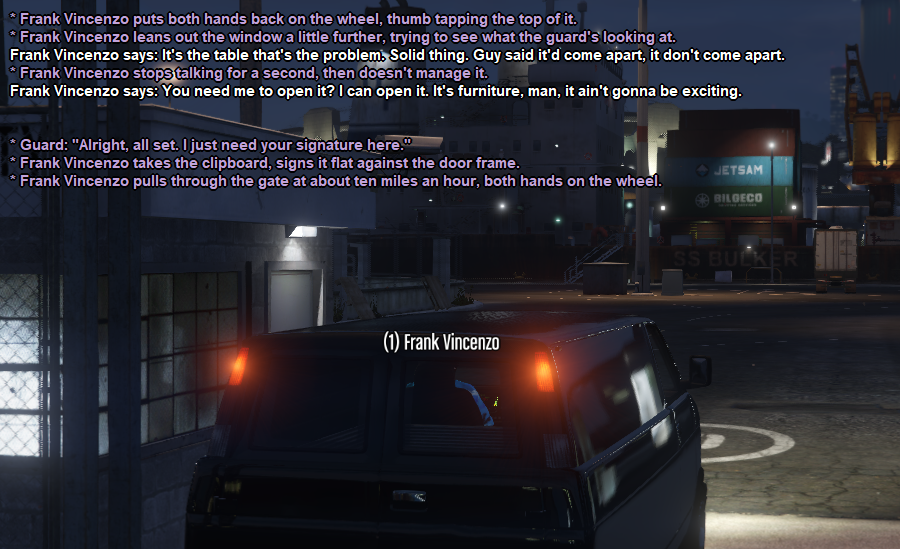
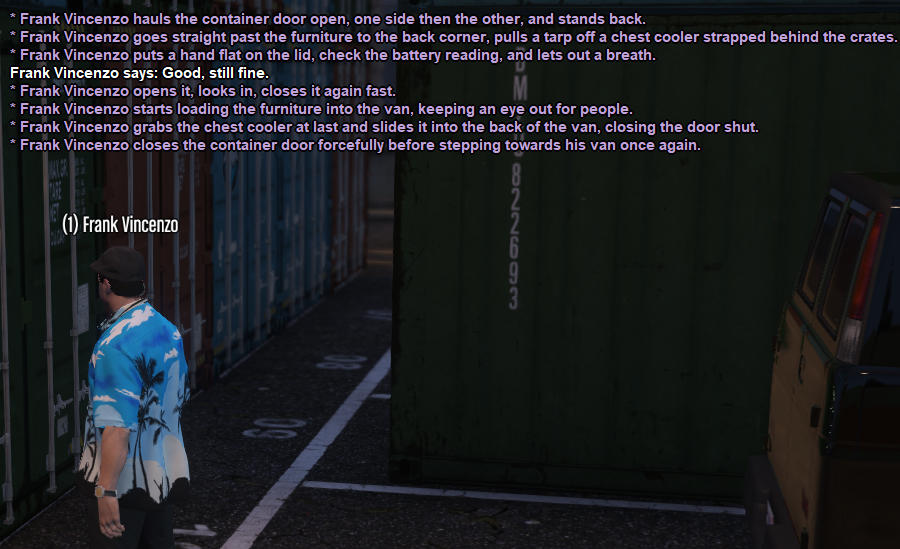
  8. Six weeks for a couch. 5:15am at the docks, signing for a container of furniture he ordered before the summer. The guard read every line of the manifest. Frank talked through all of it. Twenty minutes in, twenty minutes out. Nice couch.

Account

Navigation

Search

Search

Configure browser push notifications

Chrome (Android)
  1. Tap the lock icon next to the address bar.
  2. Tap Permissions โ†’ Notifications.
  3. Adjust your preference.
Chrome (Desktop)
  1. Click the padlock icon in the address bar.
  2. Select Site settings.
  3. Find Notifications and adjust your preference.