-
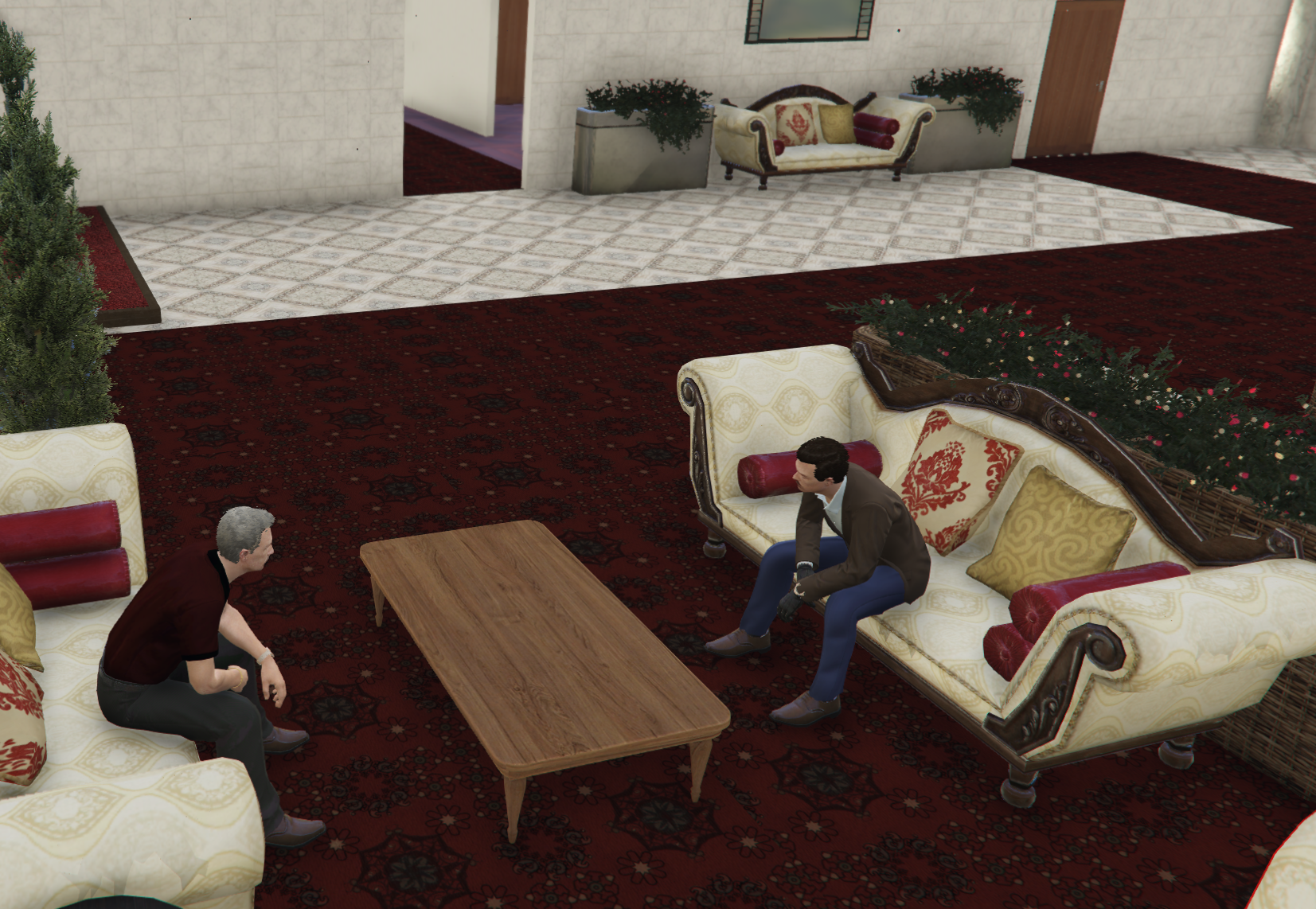
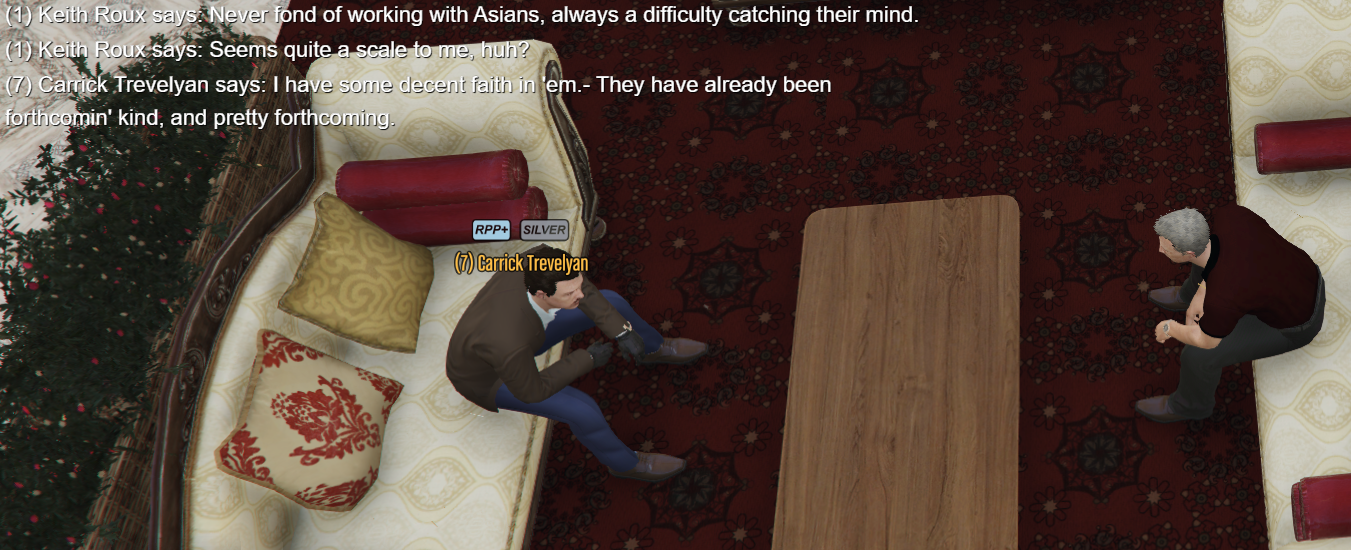
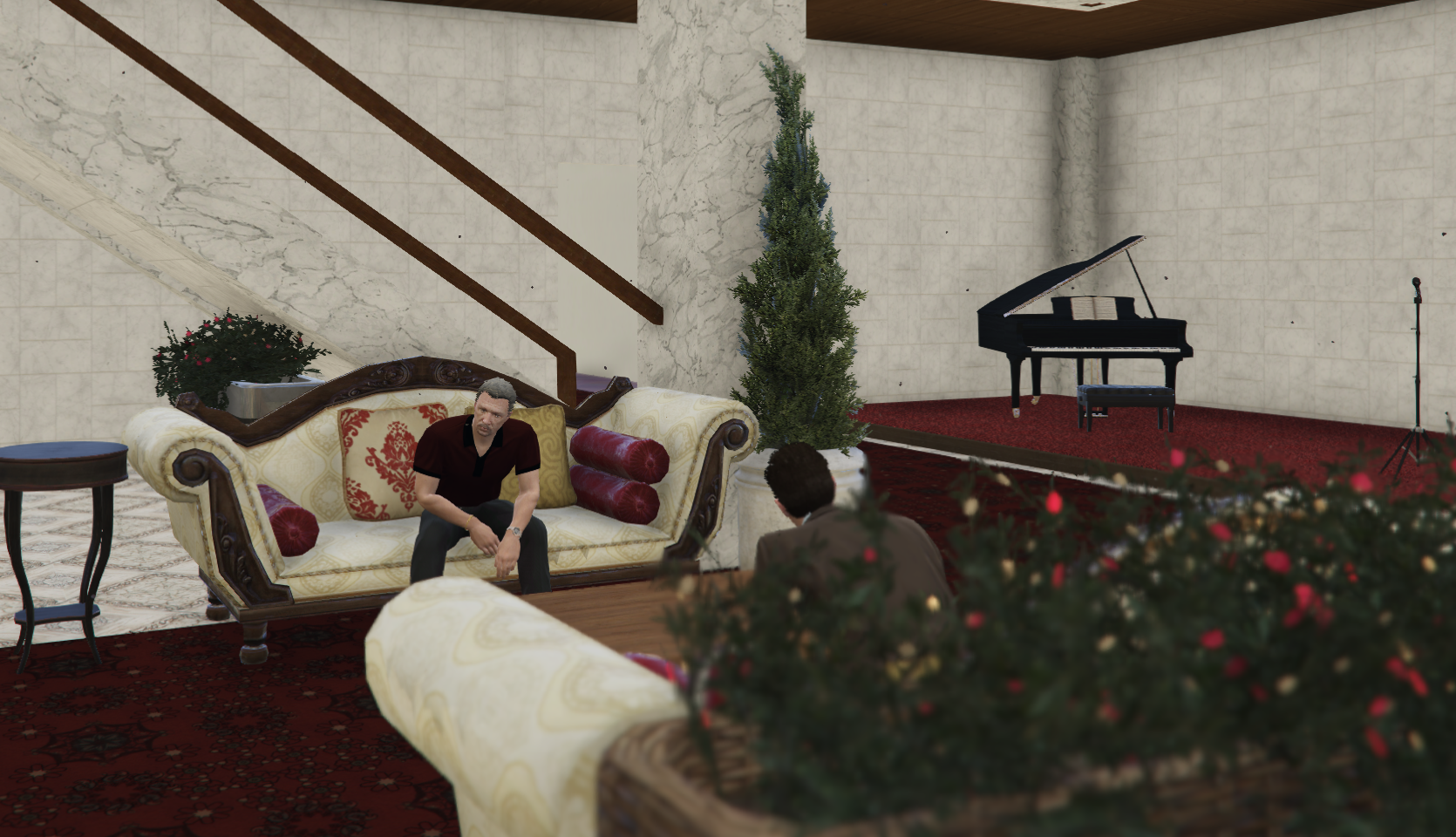
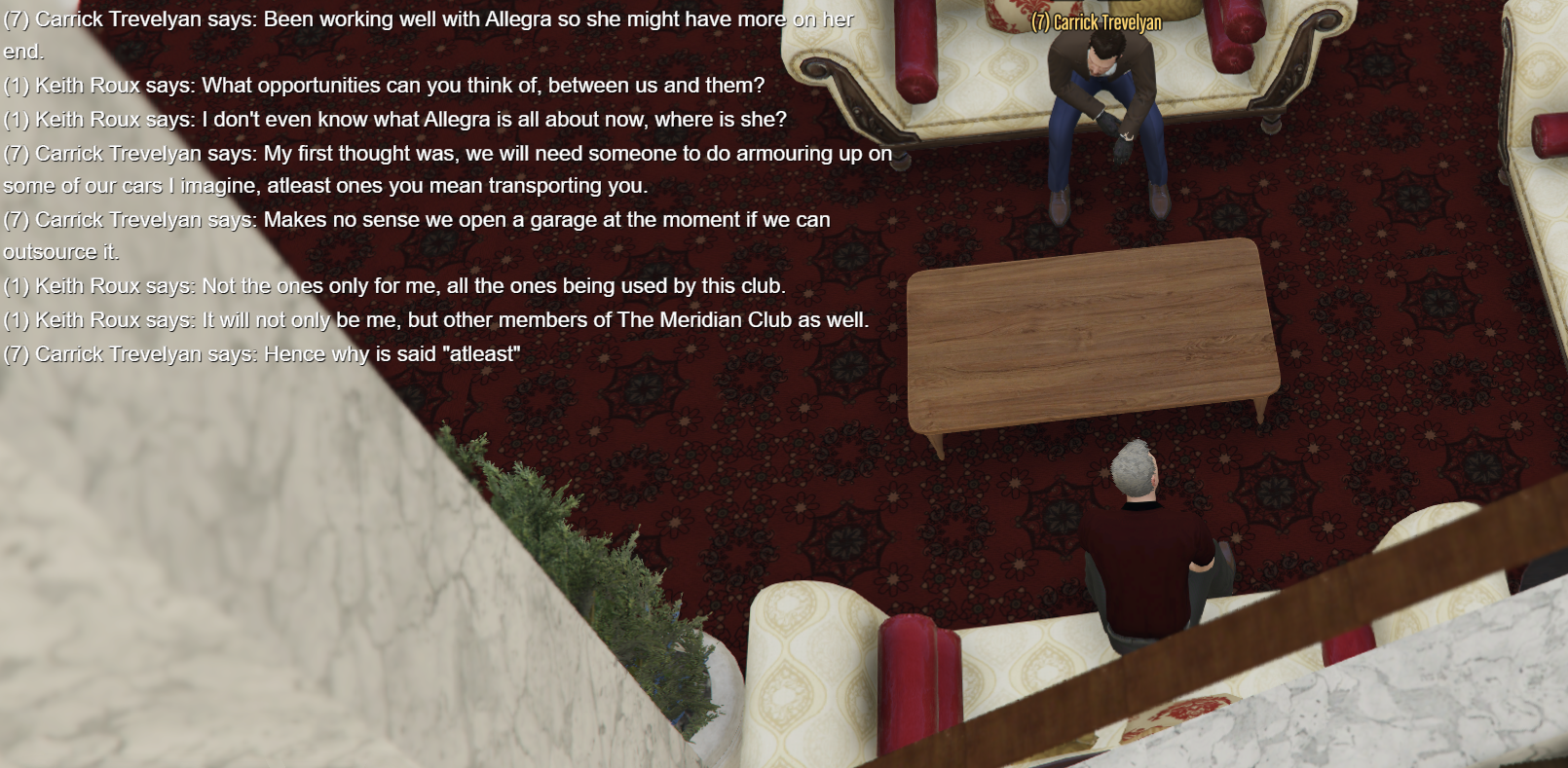
The Meridian Club
- Faction Paychecks
Can I add a bit of comment as well, maybe we make it hourly paycheck so it's kind of more realistic that payment rate is equivalent to how active the player is online, otherwise it might end up faction members just not logging in but getting paid on a weekly basis.- Group chat in phone
Any thoughts on this?- Random Outfit Slot
Or it could just be a toggled option where everytime you login, it automatically changes an outfit for you.- Guardian Enterprises, LLC
Good luck and have fun.- Alphalon National Laboratory
Looking for my organs.- The Meridian Club
Shhhhhh don't expose me otherwise this thread is getting moved to illegal faction section.- The Meridian Club
Faction has been revamped to The Meridian Club with new concept and content.- Add faction properties to /faction
+1, and accessibility (keys) for faction members.MelonDisrupt started following Musiceith- Random Outfit Slot
Maybe a command like /outfit random, then it randomly chooses an outfit for you from the slots you've saved.- The Meridian Club
- Musiceith
Reveal your identity now!- Community Newsletter - August 2026
Congratulations.- Group chat in phone
Able to create a group chat in phone, with no limit on how many members to join.- Drop some heat from your playlist!
- Faction Paychecks
Account
Navigation
Search
Configure browser push notifications
Chrome (Android)
- Tap the lock icon next to the address bar.
- Tap Permissions โ Notifications.
- Adjust your preference.
Chrome (Desktop)
- Click the padlock icon in the address bar.
- Select Site settings.
- Find Notifications and adjust your preference.
Safari (iOS 16.4+)
- Ensure the site is installed via Add to Home Screen.
- Open Settings App โ Notifications.
- Find your app name and adjust your preference.
Safari (macOS)
- Go to Safari โ Preferences.
- Click the Websites tab.
- Select Notifications in the sidebar.
- Find this website and adjust your preference.
Edge (Android)
- Tap the lock icon next to the address bar.
- Tap Permissions.
- Find Notifications and adjust your preference.
Edge (Desktop)
- Click the padlock icon in the address bar.
- Click Permissions for this site.
- Find Notifications and adjust your preference.
Firefox (Android)
- Go to Settings โ Site permissions.
- Tap Notifications.
- Find this site in the list and adjust your preference.
Firefox (Desktop)
- Open Firefox Settings.
- Search for Notifications.
- Find this site in the list and adjust your preference.