.png.a9a25d41b2aad4bc337f875e3e140c40.png)
Oheus
Banned
-
Joined
-
Last visited
Everything posted by Oheus
-
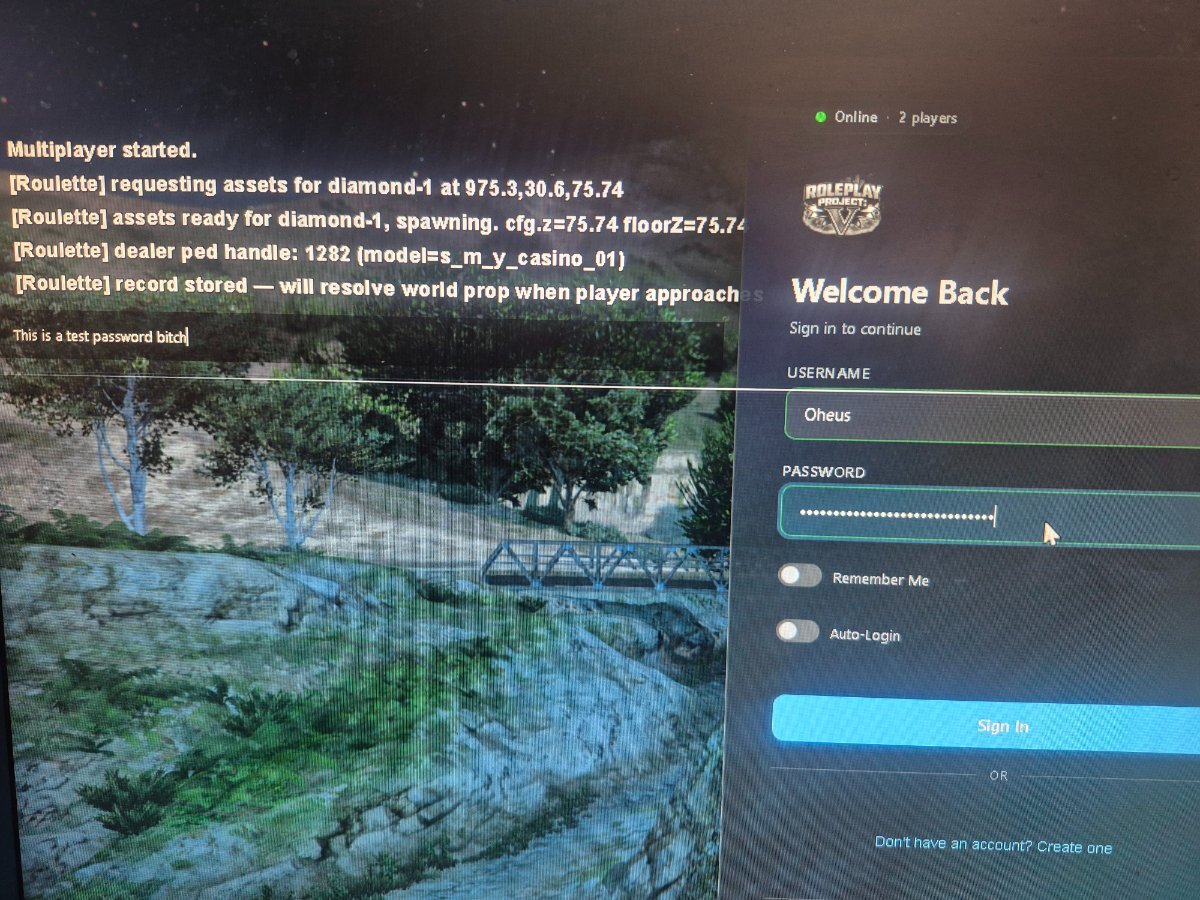
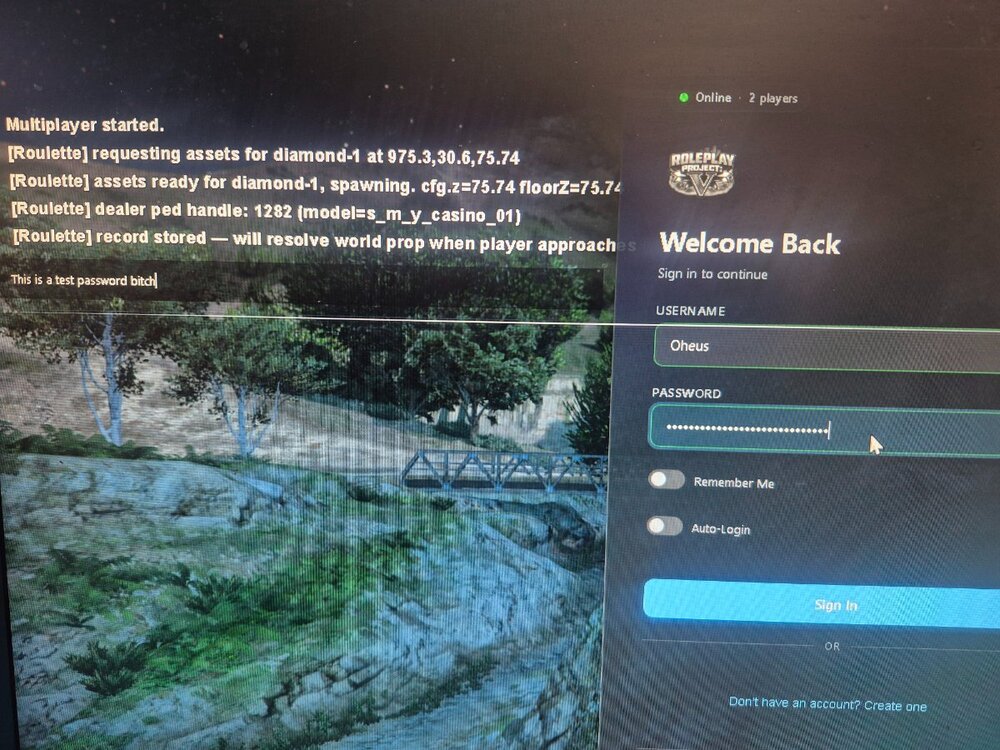
If you have a T in your credentials. Itll bring up the text box. Hitting enter will break your mouse and f3 will become unavailable
-
Despite being damaged enough to be killed, the screen turns black and you are still listed as severely injured. while in this state, players can still help you up
-
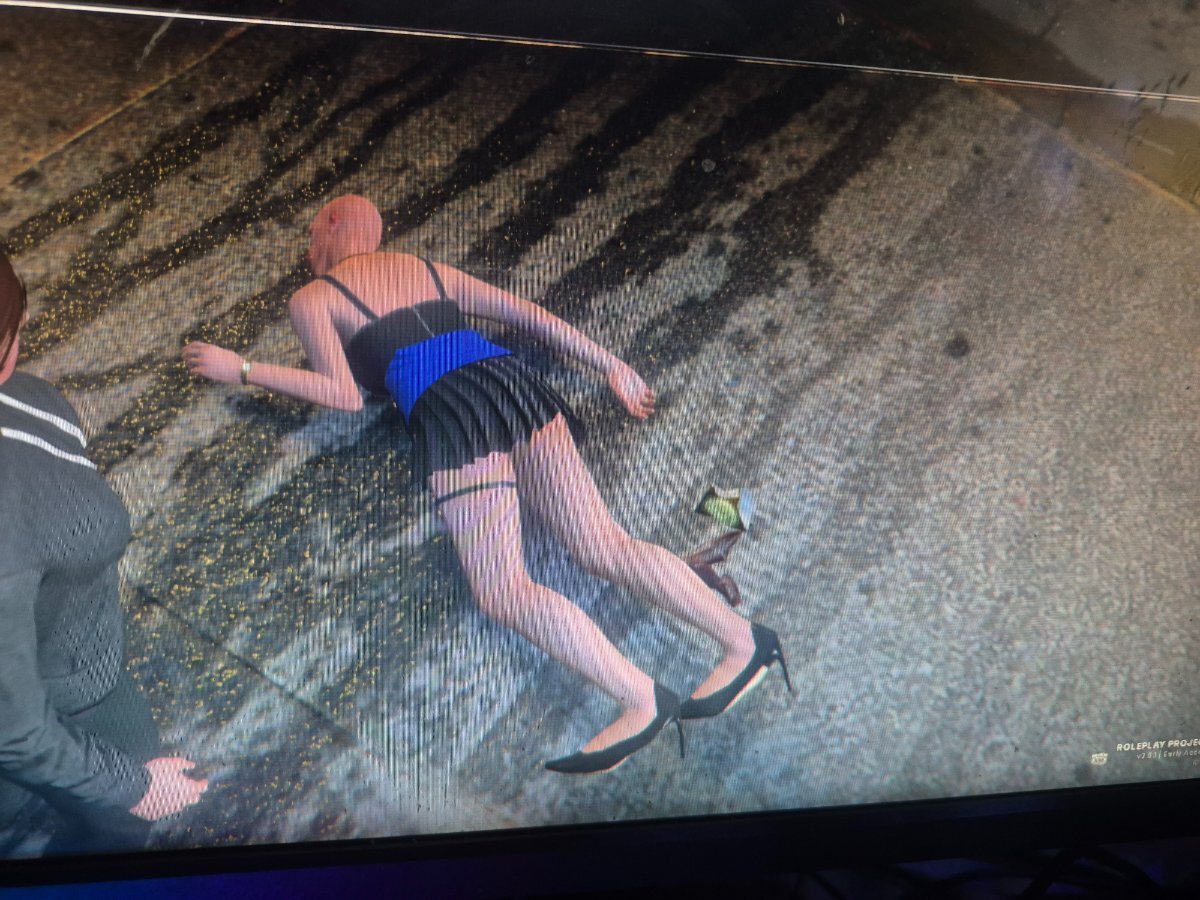
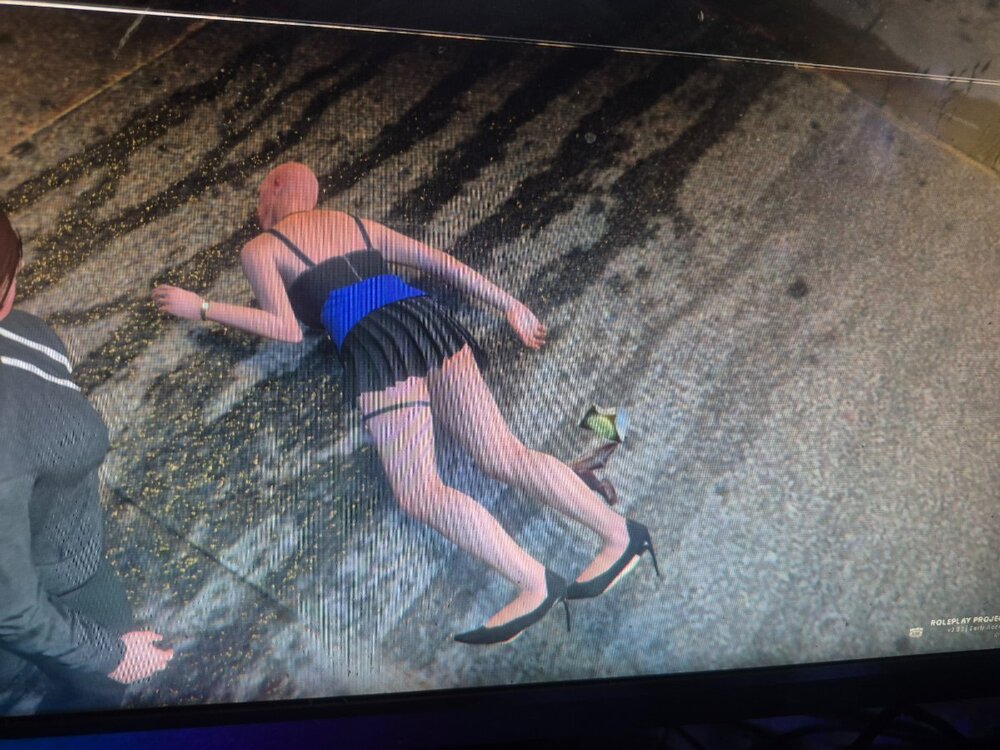
When someone dies. They occasionally become a Bald T-Shirted npc standing there and will attack you if bumped into I actually rekilled one earlier
-
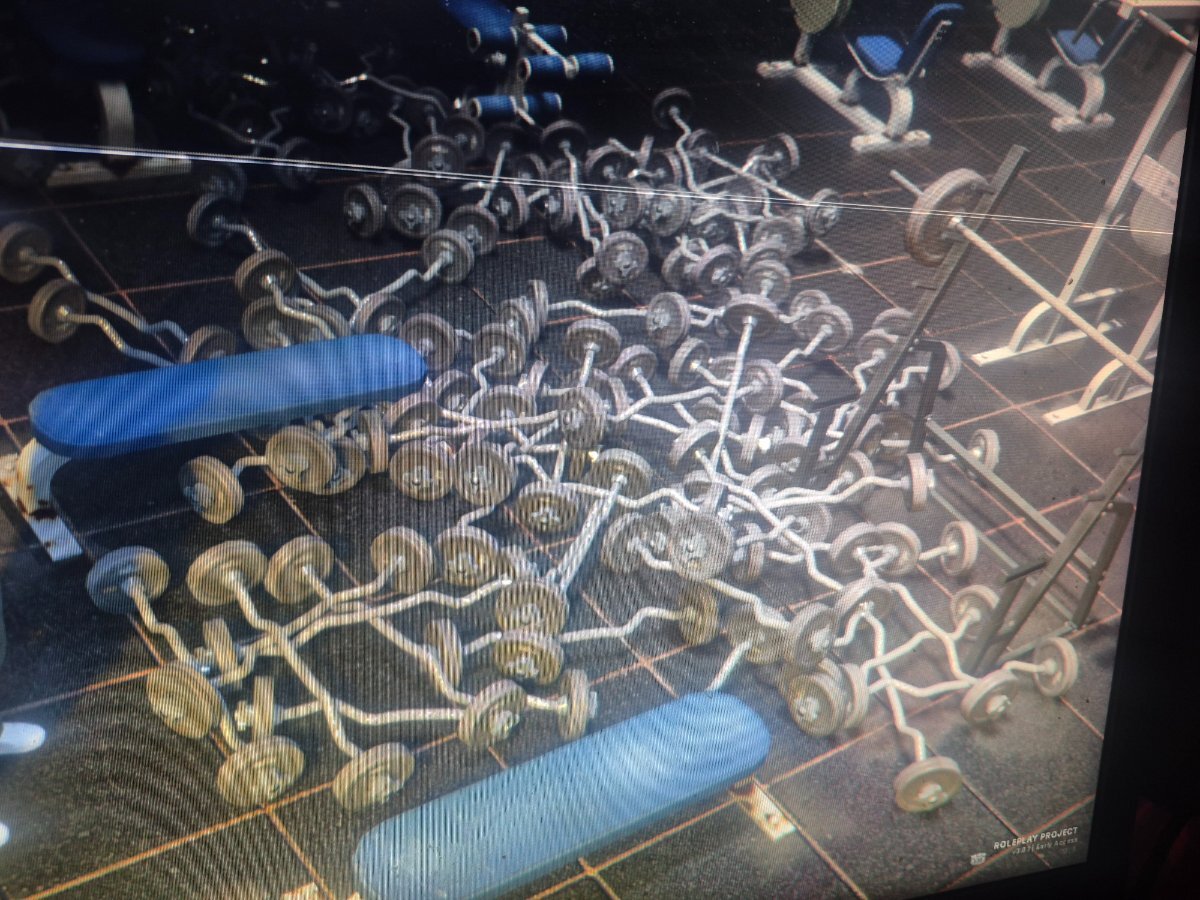
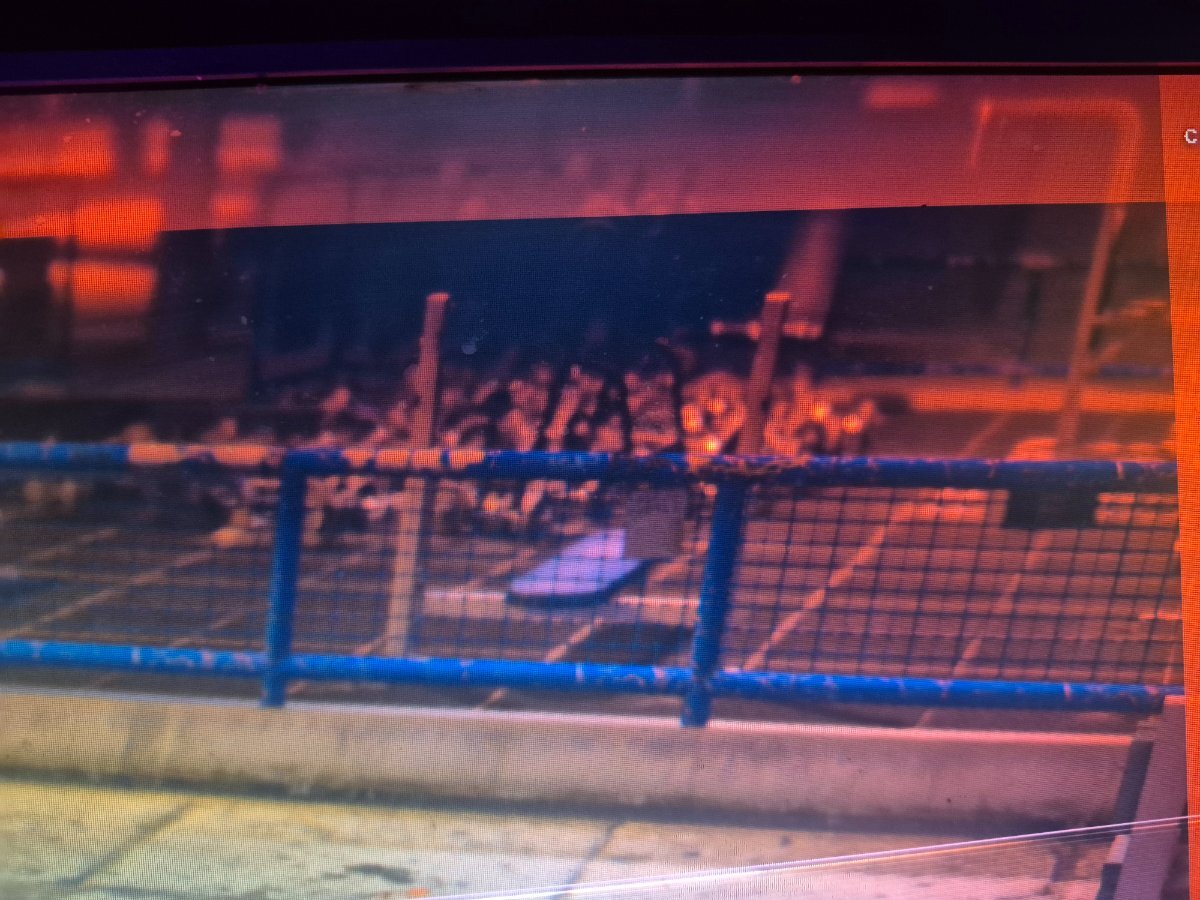
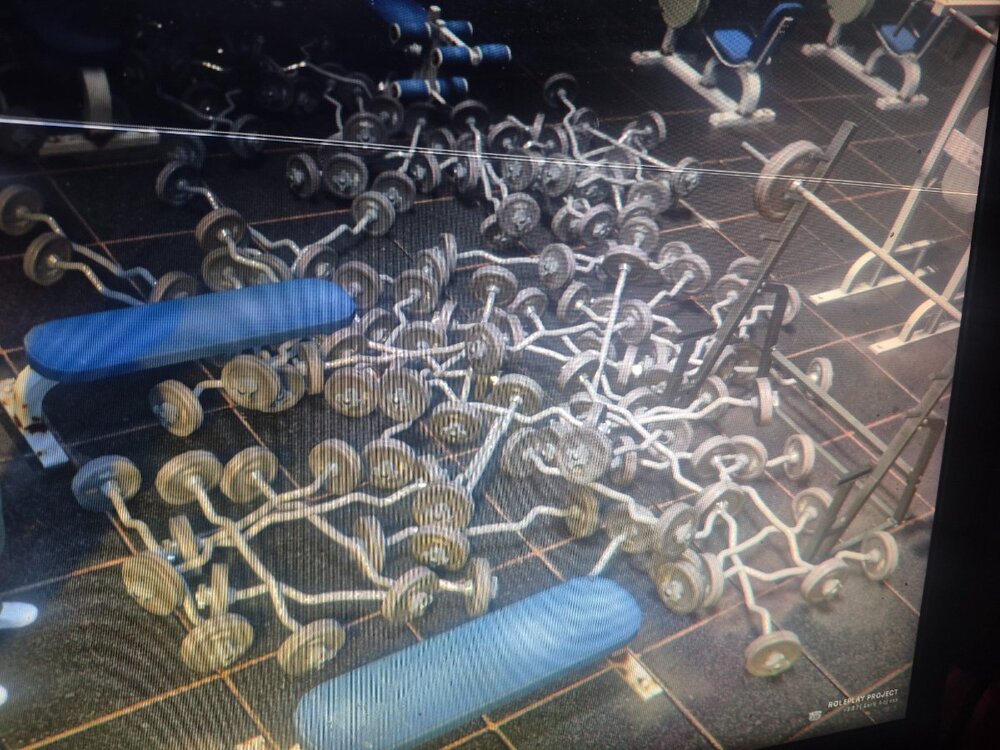
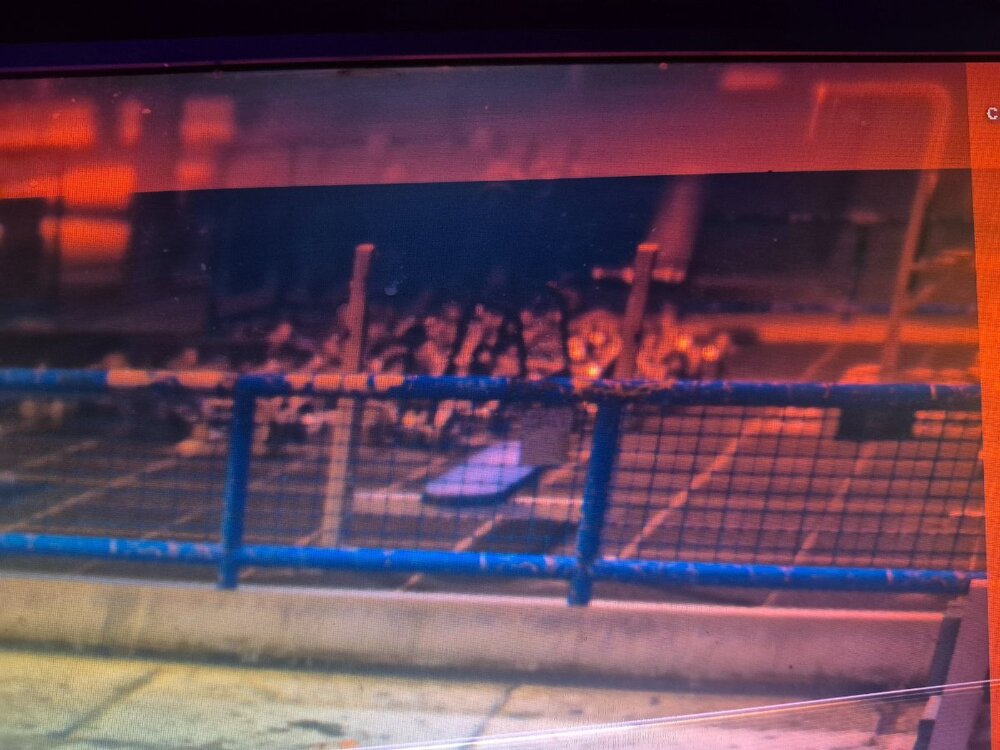
Title. They spawn endlessly and will eventually kill you
-
I understand wellfare characters are meant to start poor, but without starting cash, they will always start with the default white shirt and jeans. They should definitely start with 300$ or to get minimum character customizations to be started
.thumb.png.5d02dd3dc2a382f326d18ffd84f10a94.png)