SNDRSN
Supporter Premium
-
Joined
-
Last visited
Everything posted by SNDRSN
-
Currently there are only 15 items you can use to furnish, I might just be early with this suggestion but the furniture / mapping system will need substantially more items in order for people to custom map their properties. Shell's can be used for now but business wise there is nothing - i might be missing something.
-
For the mapping process pre launch or even after launch it would be good to have the /furniture system not charge on duty staff or property management or mapping staff so we can map more efficiently without having to ask for reimbursements from management of IC cash.
-
Hey! Vehicles approved, Weapons approved and Money approved. Drugs we can issue but not currently. Please fill out another refund request for those upon launch and we will get them to you!
-
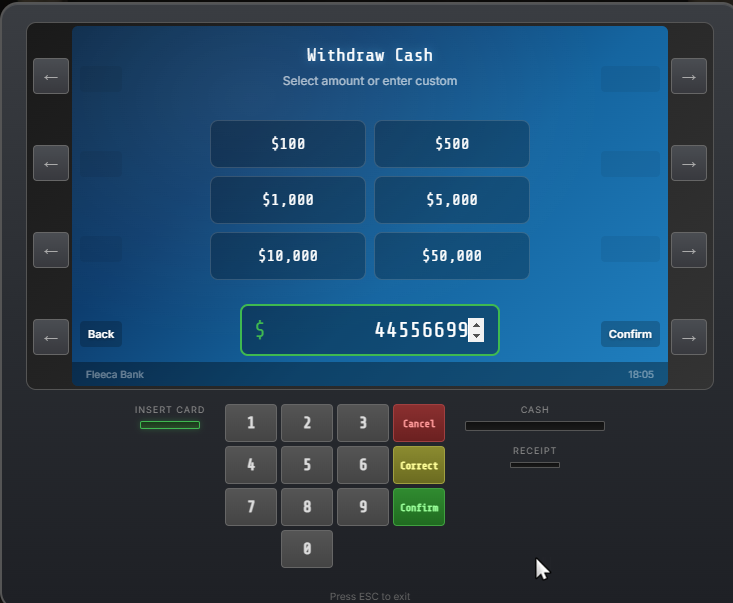
When withdrawing from an ATM, if using a custom amount it duplicates each number. See example below of a withdrawal attempt of 4569.
-
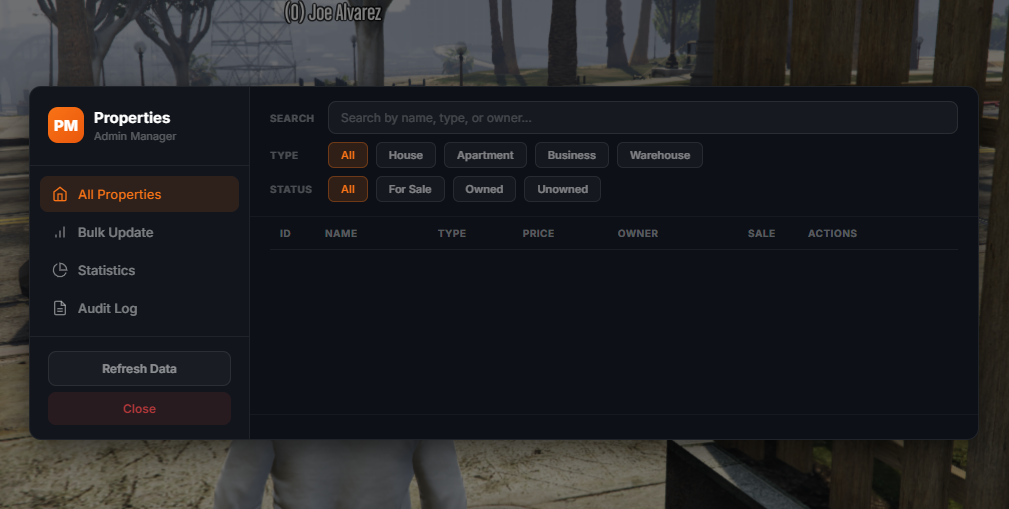
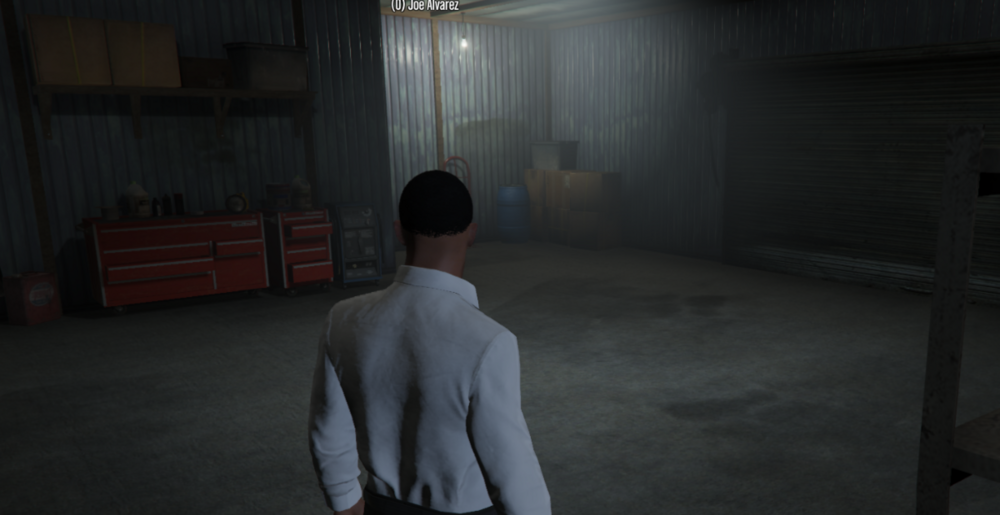
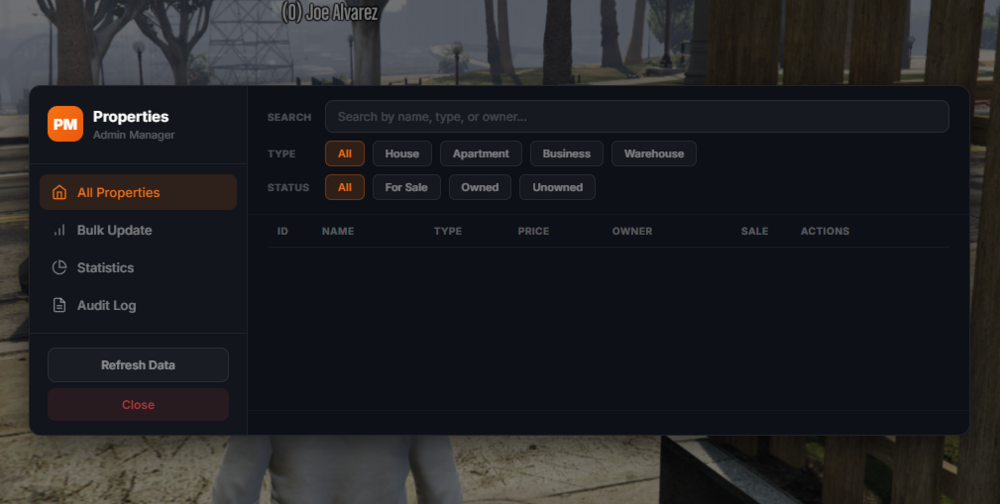
/propertyadmin does not work anymore, no properties on it - This is essential for us to be able to edit / set up / make bulk changes / delete properties. We cannot set up businesses or properties without this. Interiors do seem to have changed, but if i assign a new property as mid 2 car garage house - the interior is still just a garage. Properties that were assigned with mid 2 car garage seem to have changed but to one of the vinewood heist property interiors.
-